
Getting started & setup
Services categories
In short
This guide explains Services categories in the Getting started & setup area of ClinicSoftware. It provides a clear operational explanation of how the capability works, then outlines the practical benefits for saving staff time, converting clients and leads, and protecting clinic revenue.
On this page
Overview
This guide explains Services categories in the Getting started & setup area of ClinicSoftware. It provides a clear operational explanation of how the capability works, then outlines the practical benefits for saving staff time, converting clients and leads, and protecting clinic revenue.
How it works
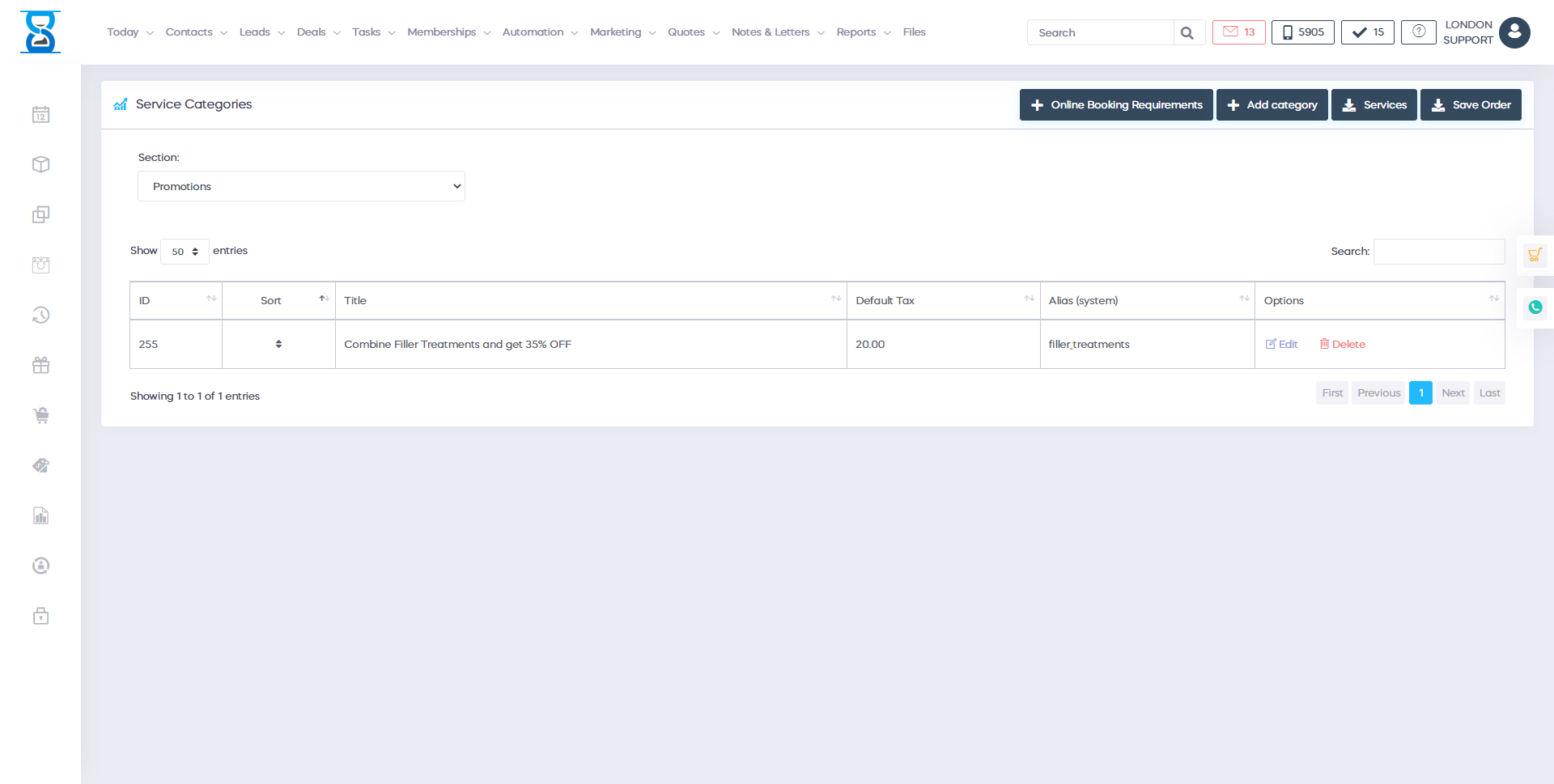
From this page you can manage the services categories in the system.
The services are organised into sections (main category) and categories (subcategory of the section).
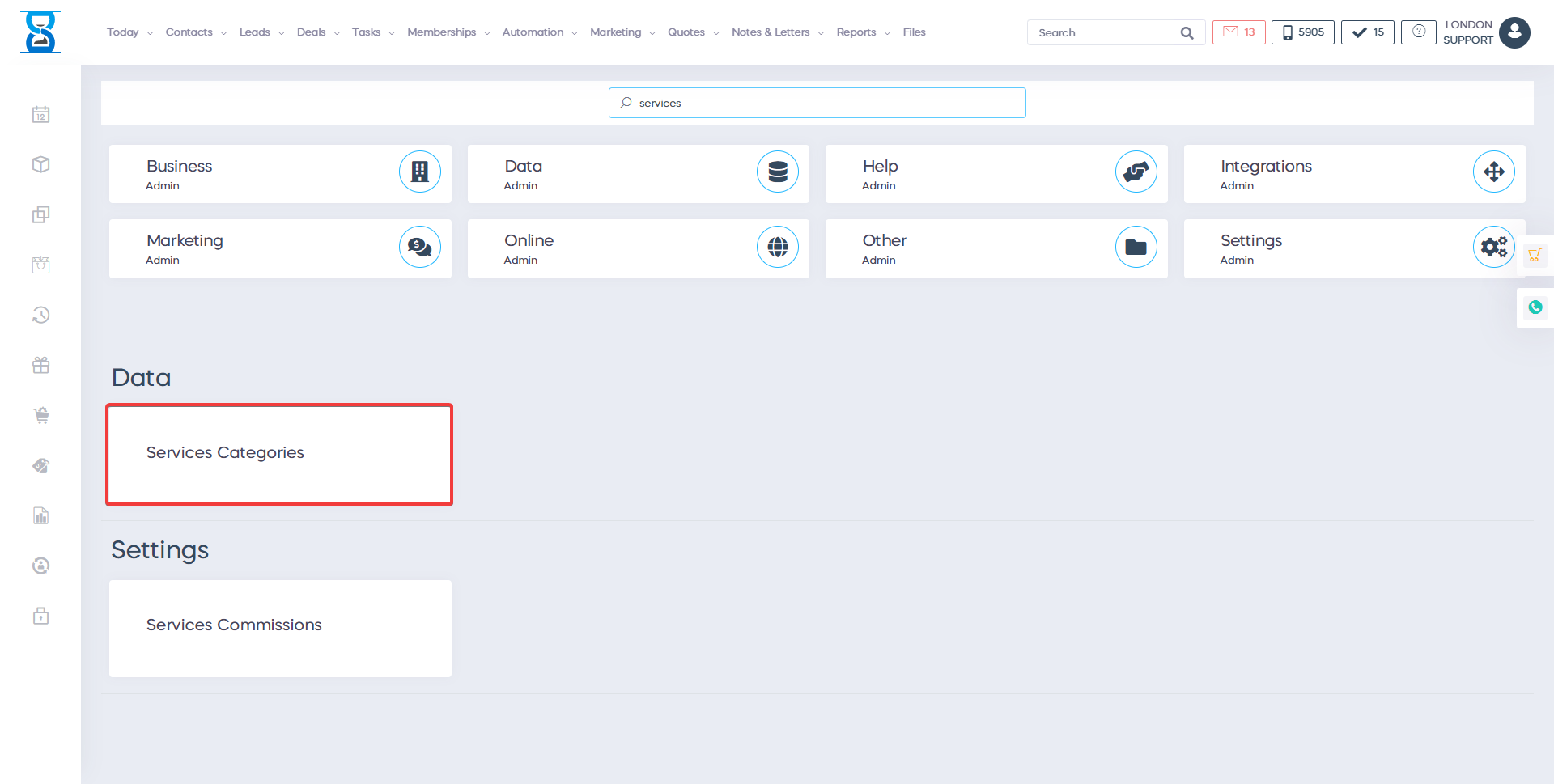
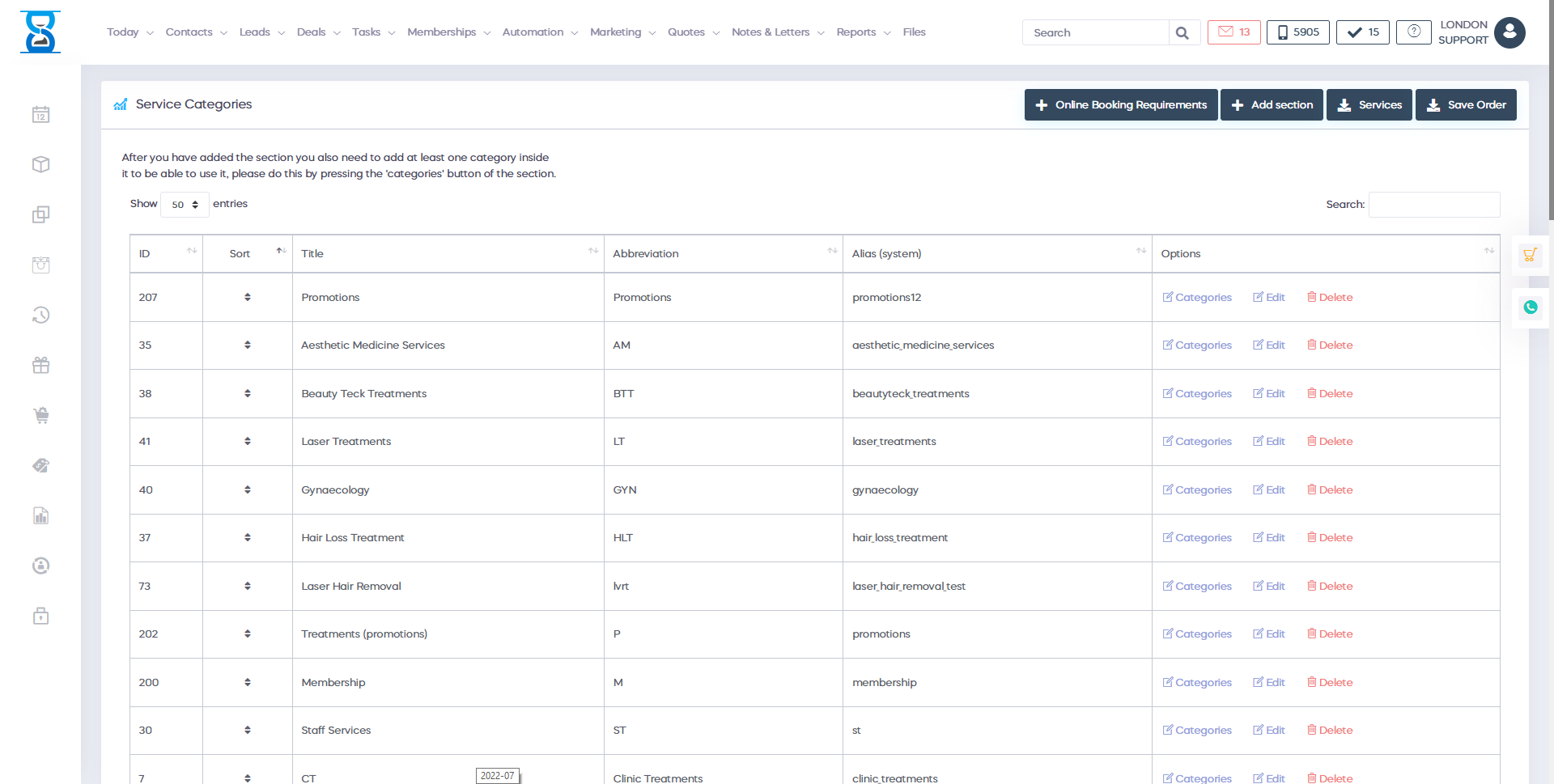
The main page (when accessing it from the Admin Area) displays the services sections (main categories).
To filter the list/search for a services section, use the “Filter List” field located in the top section of the page.

To filter the list/search for a section, use the “Filter List” field from the top section of the page.
Each item of the list can be rearranged to the desired display order by clicking on the “Sort” cell of the item and then positioning the item to the desired position while holding down the left mouse button.

After you have arranged the items in an order, select the “Save Order” button to save the changes.

To edit or delete an existing section, use the “Edit” and “Delete” buttons of the section.

To add a new services section, select the “Add section” button from the top of the page.

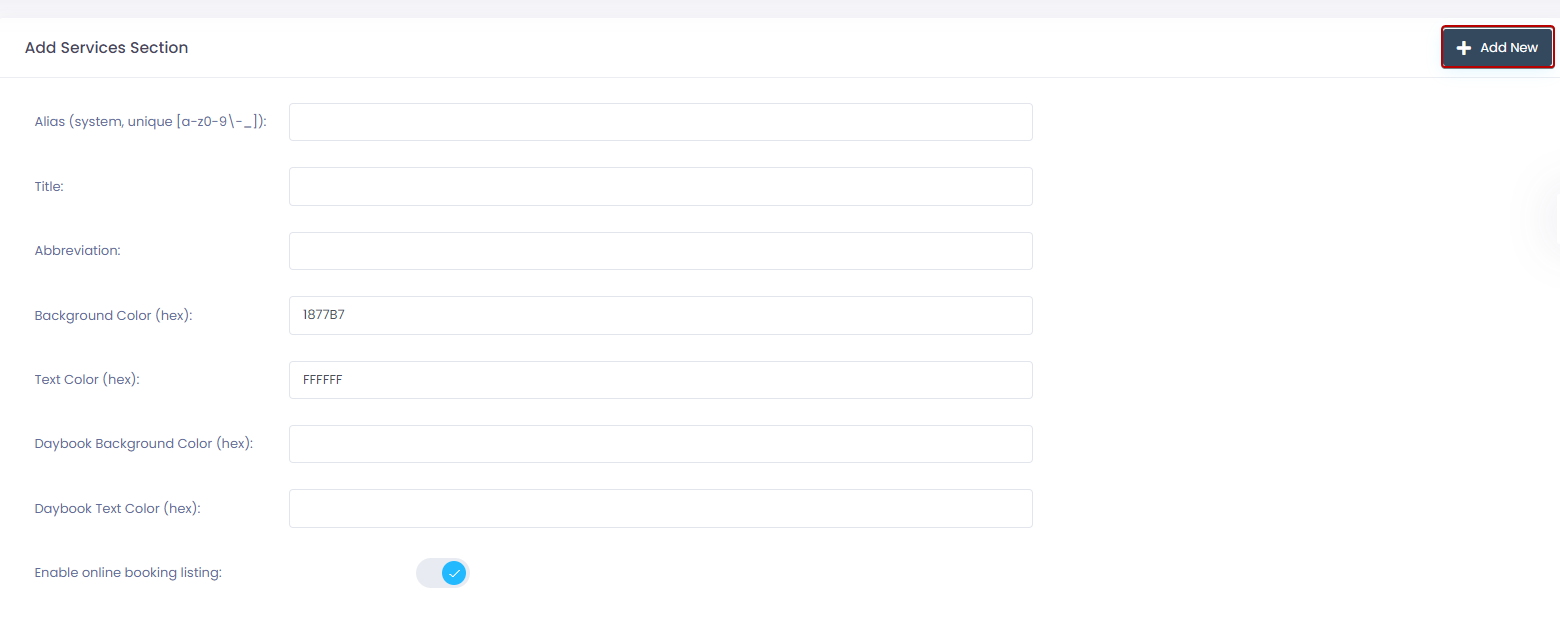
The alias field is used by the system for identification and must be unique.
It can only include numbers, letters and the “-“or “_” characters.
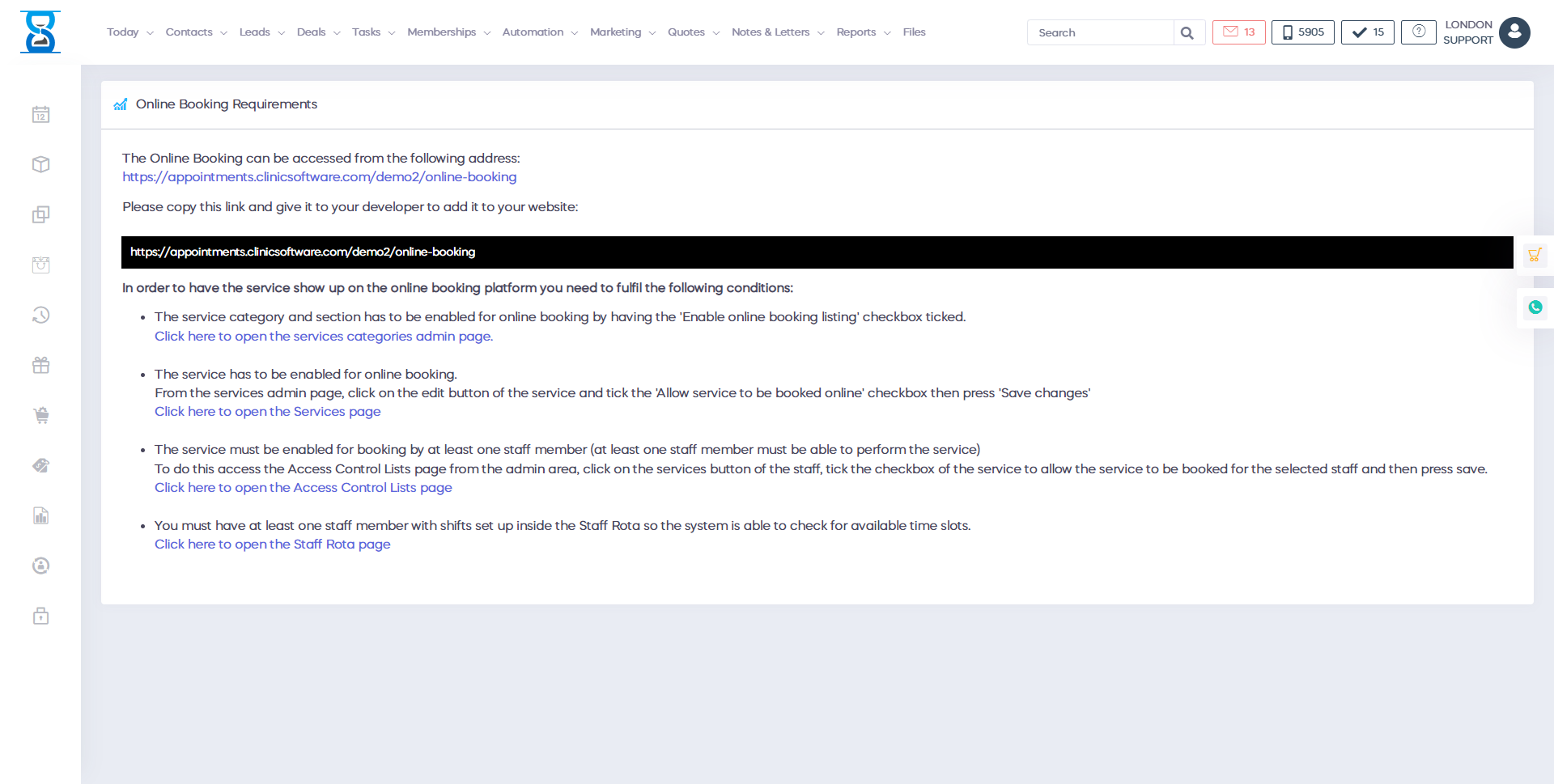
To show the section in the online booking website tick the “Enable online booking listing” checkbox.
To manage the section categories, select the “Categories” button of the section.
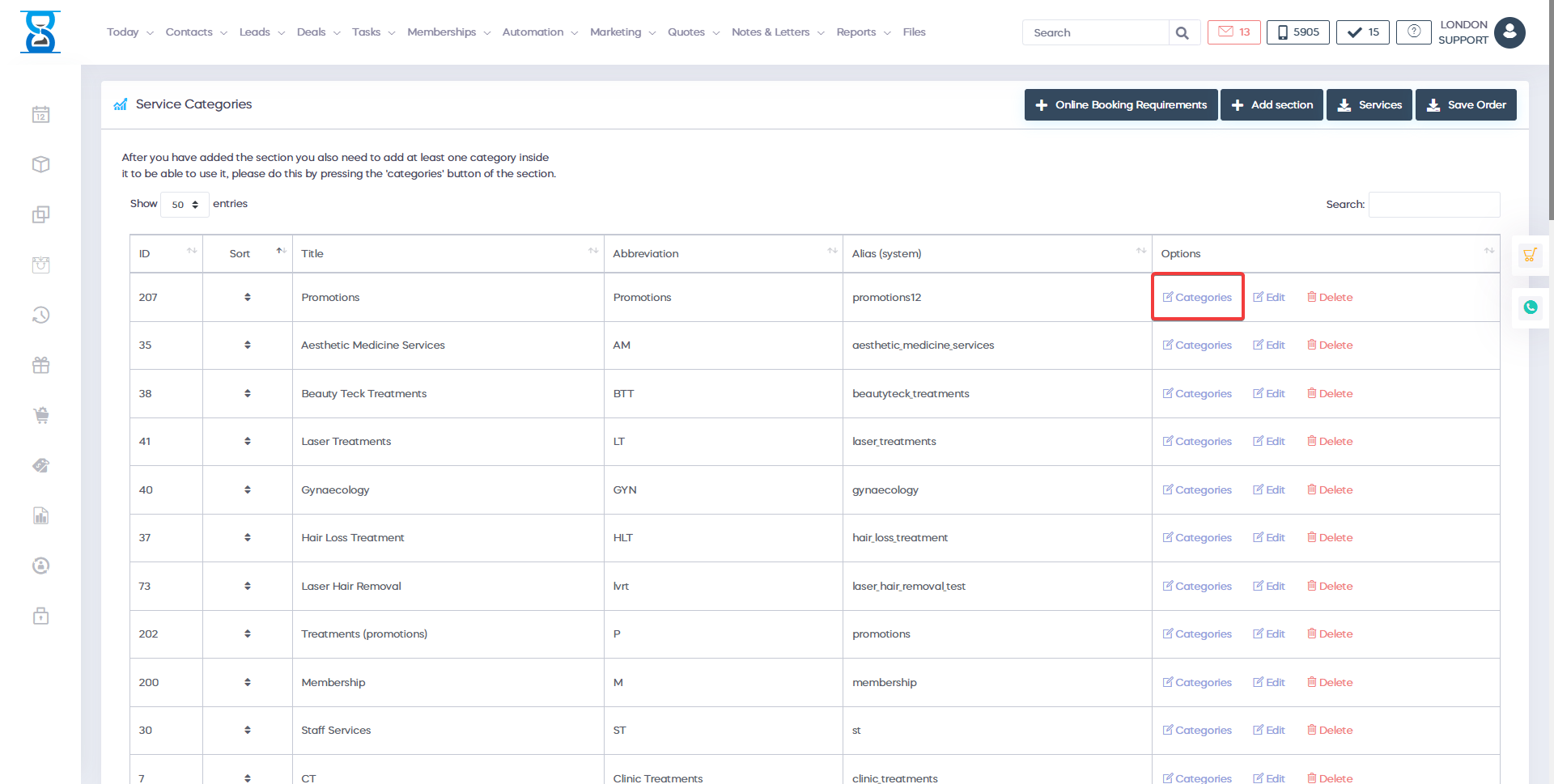
The categories are managed in the same manner as the sections (see above instructions).
Benefits for your clinic
- Save time: Reduces set-up friction so new staff can learn Services categories quickly and follow a consistent process from day one.
- Win clients and leads: A clear foundation helps your team capture enquiries correctly and avoid losing potential clients during onboarding.
- Generate revenue: Faster, more reliable day-to-day operation protects appointment capacity and reduces costly mistakes that delay billing.